 Discord Message Deleter
Does Deleting Your Discord Account Delete Your Messages? No
Deleting a Discord account leaves your messages in place under "Deleted User". What Discord removes, what stays, and how to delete messages before you go.
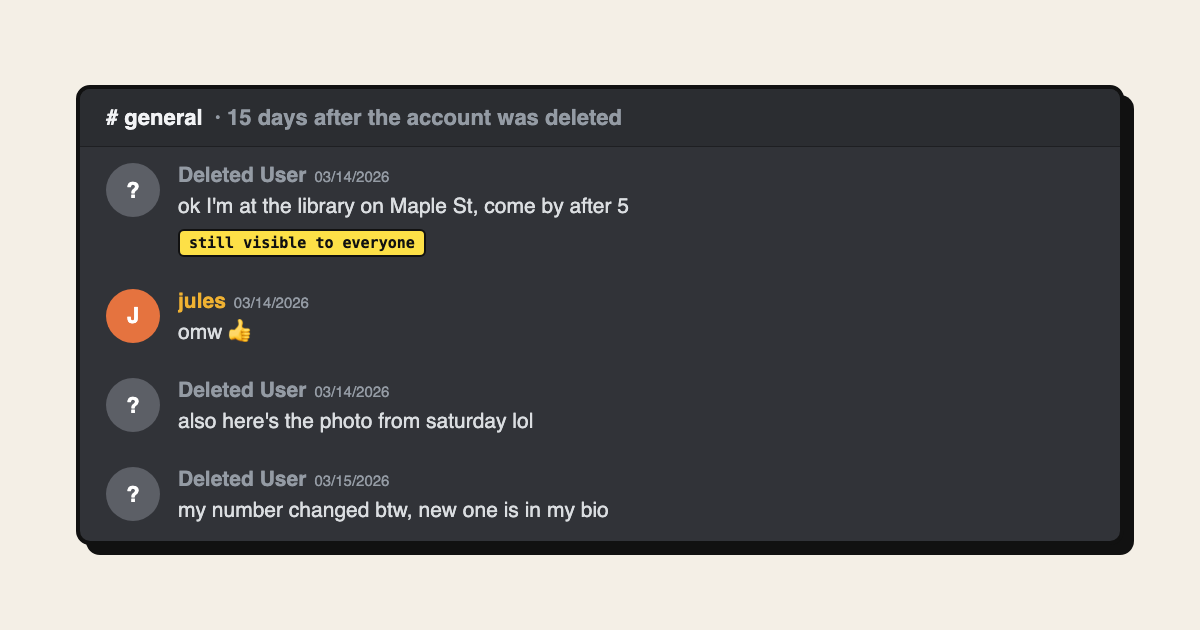
No. Deleting your Discord account does not delete your messages. Discord's own help page on deleting your account says your account "will be anonymized across all servers and messages". Everything you wrote stays in the DMs, group chats and servers where you sent it, under the name "Deleted User". If you want those messages gone, you have to delete them yourself while you can still sign in.
This page explains what deleting the account actually changes, what stays behind, and the order to do things in if you are leaving Discord. It is about your own account and your own messages throughout.
What happens when you delete your Discord account
According to Discord's help page, when you confirm deletion:
- You are signed out straight away.
- The account sits in a pending deletion state for 15 days. Signing back in during that window cancels the deletion.
- After 15 days the account is deleted, and Discord says that can't be undone.
- You lose access to your servers, DMs, group chats and purchases, and Nitro or Server Boosts are cancelled.
- Servers you own must be transferred or deleted first. Discord won't let you delete the account until you do.
- Your account is anonymized across all servers and messages.
That last point is the one that surprises people about deleting your Discord account. "Anonymized" means your username and avatar are replaced. The messages themselves stay.
What stays behind after deleting your Discord account
Every message you sent in a server, a group chat or a DM stays where it was, attributed to "Deleted User". The people in those conversations can still scroll up and read it, along with any images and files you uploaded. Quotes and replies to your messages stay too.
The labels are anonymous, but the content often isn't. If you mentioned your real name, your city or your school, or posted a photo, that information is still there. Requests on Discord's own feedback forum to delete messages along with the account have been open for years, which tells you how common the surprise is.
Delete your messages first, then the account
If the reason for deleting your Discord account is to remove what you wrote, the order matters:
- Find where your messages are. In User Settings → Data & Privacy, use Request Data. Discord's page on requesting your data says the package can take up to 30 days and goes to your account email. It lists your messages by channel. Discord also cancels the request if you delete the account before the link arrives, so wait for it.
- Export anything you want to keep. Deleted messages can't be recovered by you or by Discord.
- Delete your messages in each DM and server. By hand, hover a message, hold Shift and click the trash icon. For hundreds or thousands, use a tool; our guide on how to delete all Discord messages compares the options.
- Transfer or delete servers you own.
- Delete the account in User Settings → My Account → Delete Account.
You can only delete messages in places you can still open. If you've left a server, rejoin it to delete your messages there before you go.
Delete your messages faster with an extension
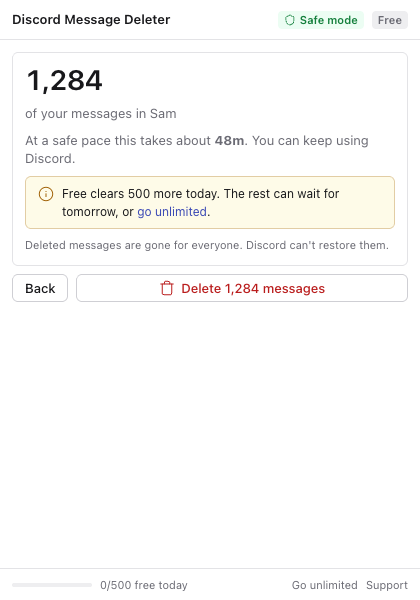
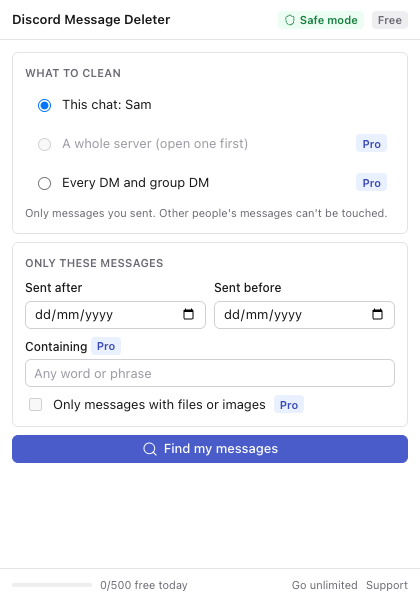
Discord Message Deleter is a Chrome extension we make that deletes your own messages from the Discord tab you're already signed in to. Open a DM or a server, click the icon, and it counts your messages before anything is deleted. Then it deletes them one at a time at a deliberately slow pace while you carry on using Discord.
It only deletes messages you sent and never touches anyone else's. There's no account token to copy and no console script. The free version handles 500 messages a day in one chat. Pro removes the limit and can clear a whole server or every DM in one run, which suits a full clean-up before you delete your account.
Discord's rules forbid automating a normal user account, so any tool like this carries some risk to the account. The slow pace lowers it, and if you're about to delete the account anyway, that risk matters less. The support page covers common problems, and the privacy page explains exactly what the extension sends and stores.
Deleting your messages and keeping the account is also an option. If you want a fresh start without losing your friends list or servers, clean up your history and stay.
Can Discord delete my messages for me?
Discord has no setting that deletes your message history for you, before or after account deletion. If you're in a region with data protection rights, such as the EU or UK, you can ask Discord's privacy team about deleting your personal data; the data request page lists [email protected] as the contact. How Discord handles messages in such a request is up to Discord, so don't rely on it if you can delete them yourself.